How to Set Up Online Ordering
for Your Restaurant with Square
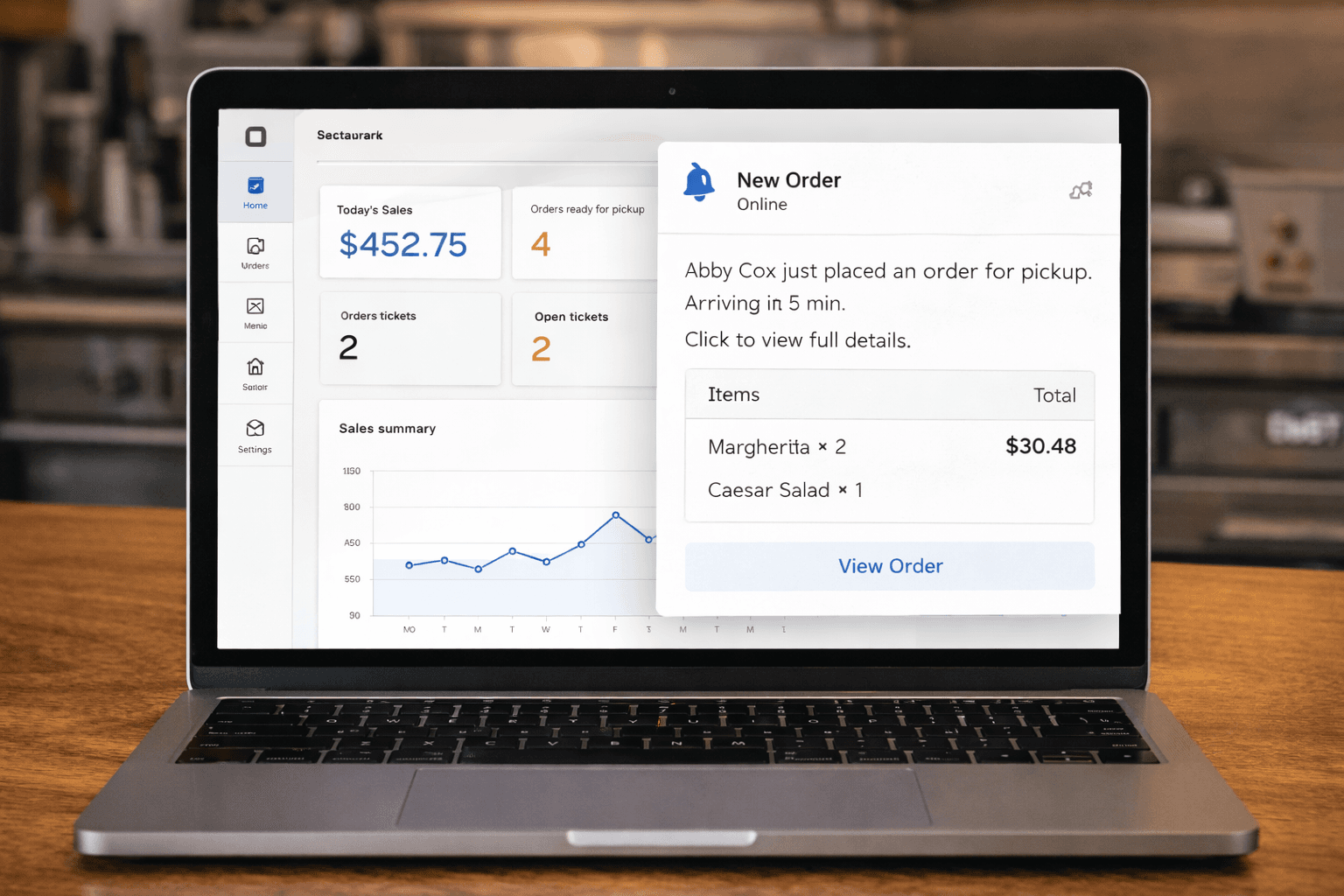
You’re already using Square to run your restaurant — managing your menu, processing payments, and tracking sales. Adding online ordering is the natural next step. But what’s the best way to do it?
Square sellers have several options, from Square’s own free tools to third-party platforms that plug into your existing catalog. Here’s a practical walkthrough of your choices and how to get set up.
Option 1: Square Online (Free)
Square offers a free online ordering website built right into your Square account.
How to set it up:
- Log into your Square Dashboard
- Go to Online > Setup
- Select the items from your catalog you want to make available online
- Customize your ordering page with your logo and colors
- Set your business hours and ordering options (pickup, delivery, QR code ordering)
- Publish your site and share the link
What’s good: It’s free, it’s already connected to your Square catalog, and you can be up and running in under an hour.
What’s limited: The design options are basic and you’re locked into Square’s templates. There’s no mobile app, no push notifications, and limited loyalty and marketing tools. For restaurants that want more control over their brand and customer experience, Square Online can feel like a starter tool.
Option 2: Gegsy (Starting at $49/month)
Gegsy is a platform built specifically for Square sellers that gives you both a branded mobile app and a web storefront.
How to set it up:
- Go to app.gegsy.com/register and create your account
- Connect your Square account — your entire catalog (items, modifiers, categories, locations) imports automatically
- Choose your plan (Starter or Pro)
- Customize your app and storefront branding (logo, colors, images)
- Your web storefront goes live in minutes; your mobile app is published to the App Store and Google Play within days
What’s good: You get a fully branded mobile app and web storefront, both synced with your Square catalog in real time. Push notifications, promo codes, delivery (via Nash and DoorDash Drive), catering, and Square Loyalty integration are all included. Your app is published under your restaurant’s name in the app stores.
What’s different from Square Online: Gegsy is a significant upgrade in branding, features, and customer engagement. You get a real mobile app that lives on your customers’ phones, not just a website. You can send push notifications to drive repeat orders, accept catering orders with advance notice controls, and create promo codes that work across both your app and storefront.
Option 3: Third-Party Platforms
Other platforms like ChowNow, Per Diem, and Owner.com also offer online ordering with varying levels of Square integration. We covered these in detail in our Best Online Ordering Apps for Square Restaurants comparison.
The short version: some integrate well with Square, others don’t. Pricing ranges from $50 to $400+ per month. Make sure whatever platform you choose can pull your menu directly from Square — maintaining two separate menus is a time drain and a source of errors.
What to Do After You’re Set Up
Getting your ordering system live is step one. Here’s how to actually drive orders:
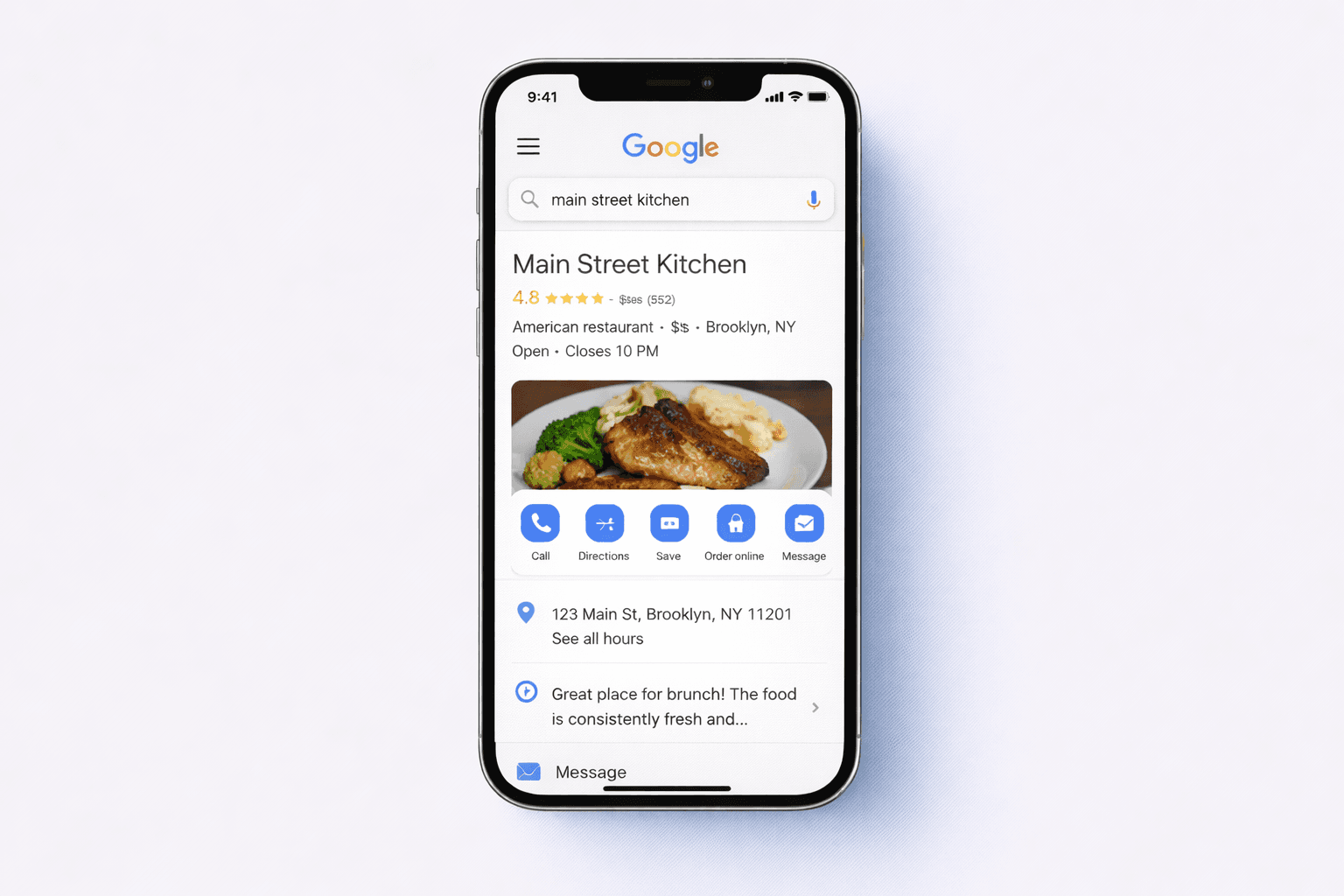
Add your ordering link to Google. Update your Google Business Profile with your ordering URL. This is the first place most customers look when they want to order from you.
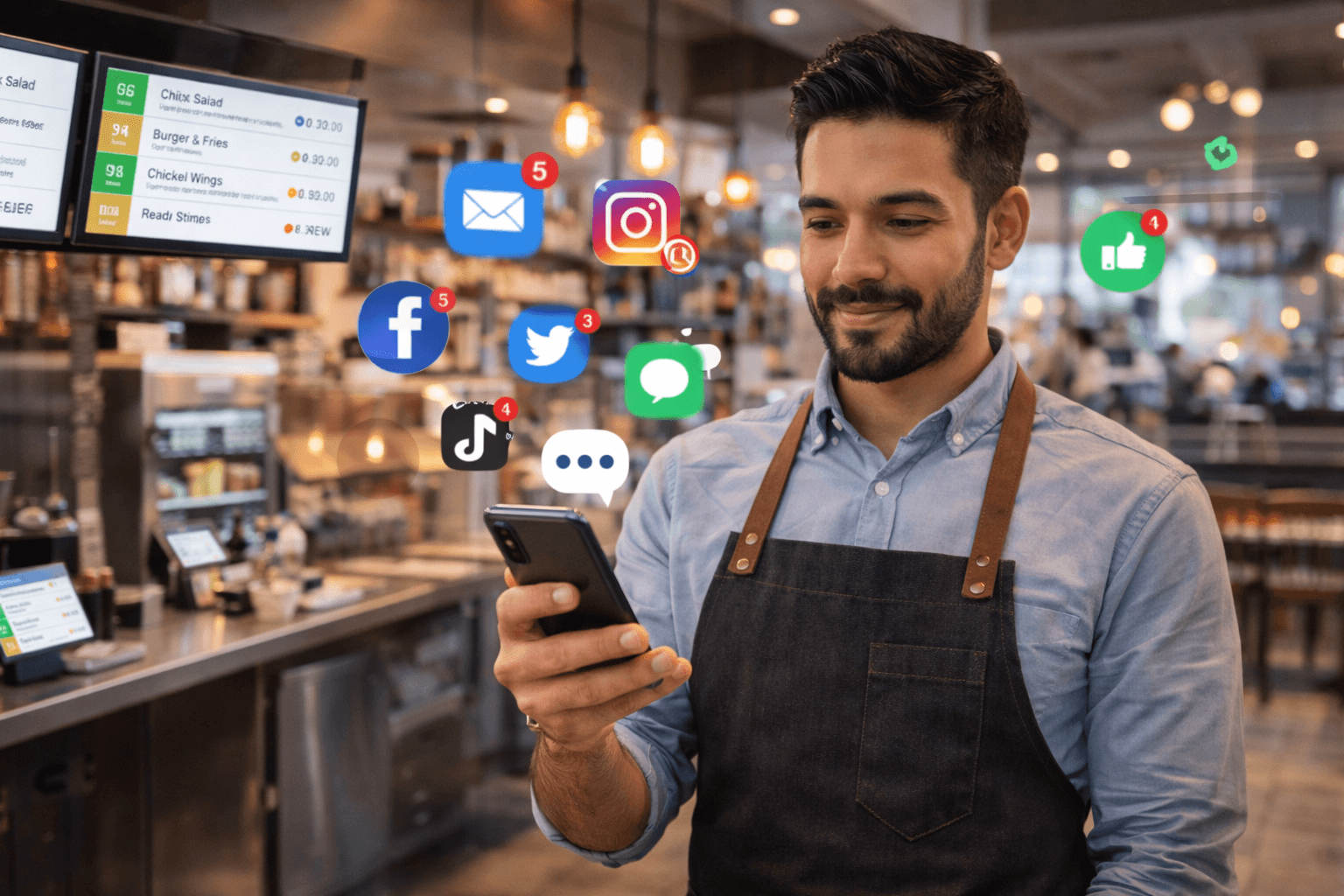
Update your social media bios. Replace your generic website link on Instagram, Facebook, and TikTok with your direct ordering link.
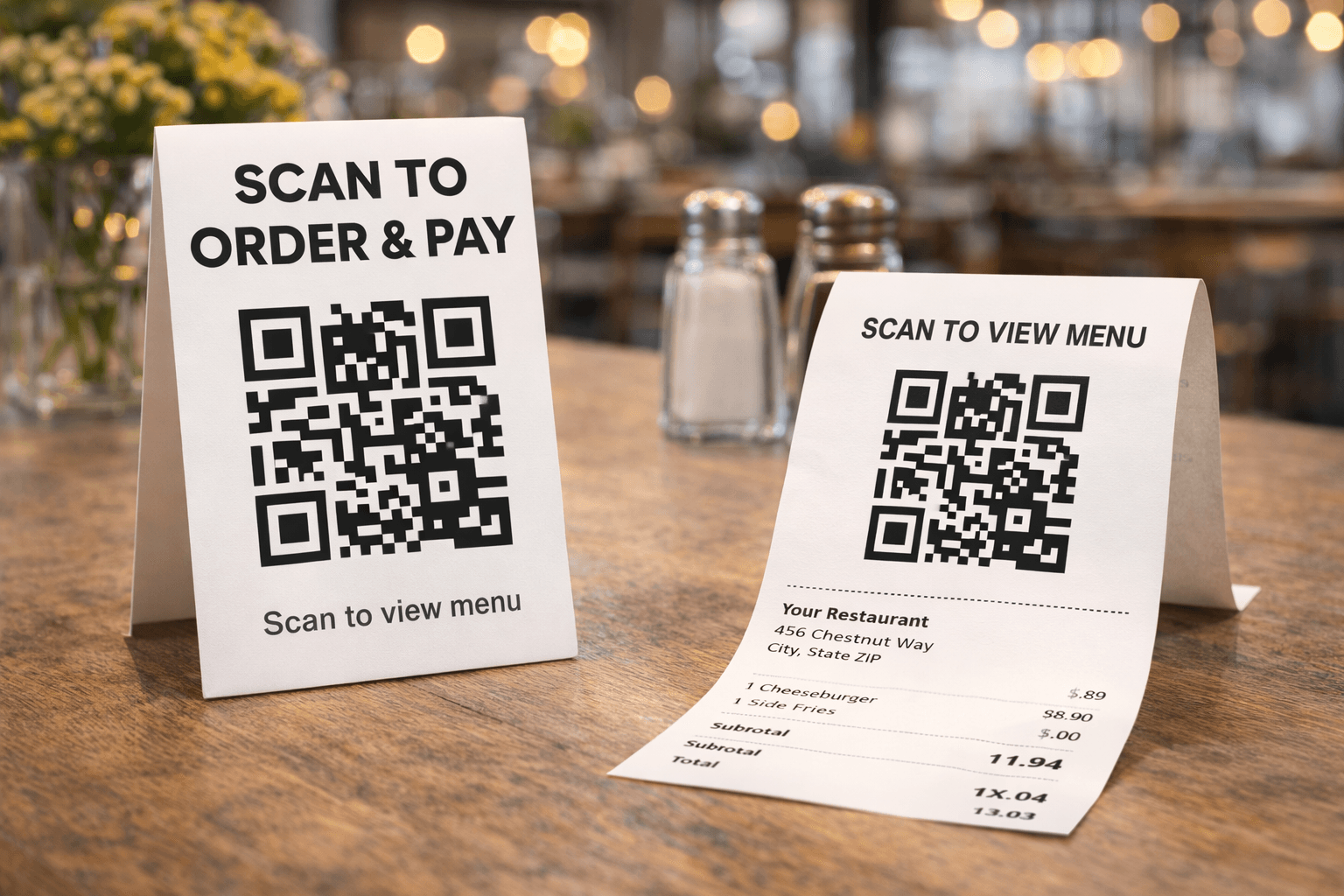
Tell your in-store customers. Add signage at the register, print QR codes on receipts and bags, and train your staff to mention the app and storefront to every customer.
Send an announcement. If you have a customer email list through Square Marketing, send a quick message letting people know they can now order online directly from you.
Create an incentive. Offer a promo code for first-time online orders — something like “ORDER10” for 10% off. This gives customers a reason to try your new ordering channel.
Gegsy Tip: Your Gegsy dashboard lets you create promo codes that work across both your mobile app and web storefront. Create one today and start promoting it.
Which Option Is Right for You?
Start with Square Online if: You have zero budget, just want a basic ordering page, and are fine with limited branding and no mobile app.
Upgrade to Gegsy if: You want a branded mobile app, a polished web storefront, push notifications, catering, delivery, and loyalty integration — all synced with Square in real time. Starting at $49/month, it’s an affordable upgrade that gives your restaurant a professional direct ordering presence.
👉 Connect your Square account and see your menu imported instantly.
Ready to try Gegsy?
Sign up risk-free and launch your branded mobile app within 24 hours.
No setup fees. No long-term contracts.