How to Promote Your Restaurant's Online Ordering
10 Proven Strategies
You've got your online ordering set up — a branded app, a web storefront, or both. Now what? The technology only works if customers know about it and use it.
Here are 10 strategies that restaurants are using right now to drive more orders through their direct channels.
1. Optimize Your Google Business Profile
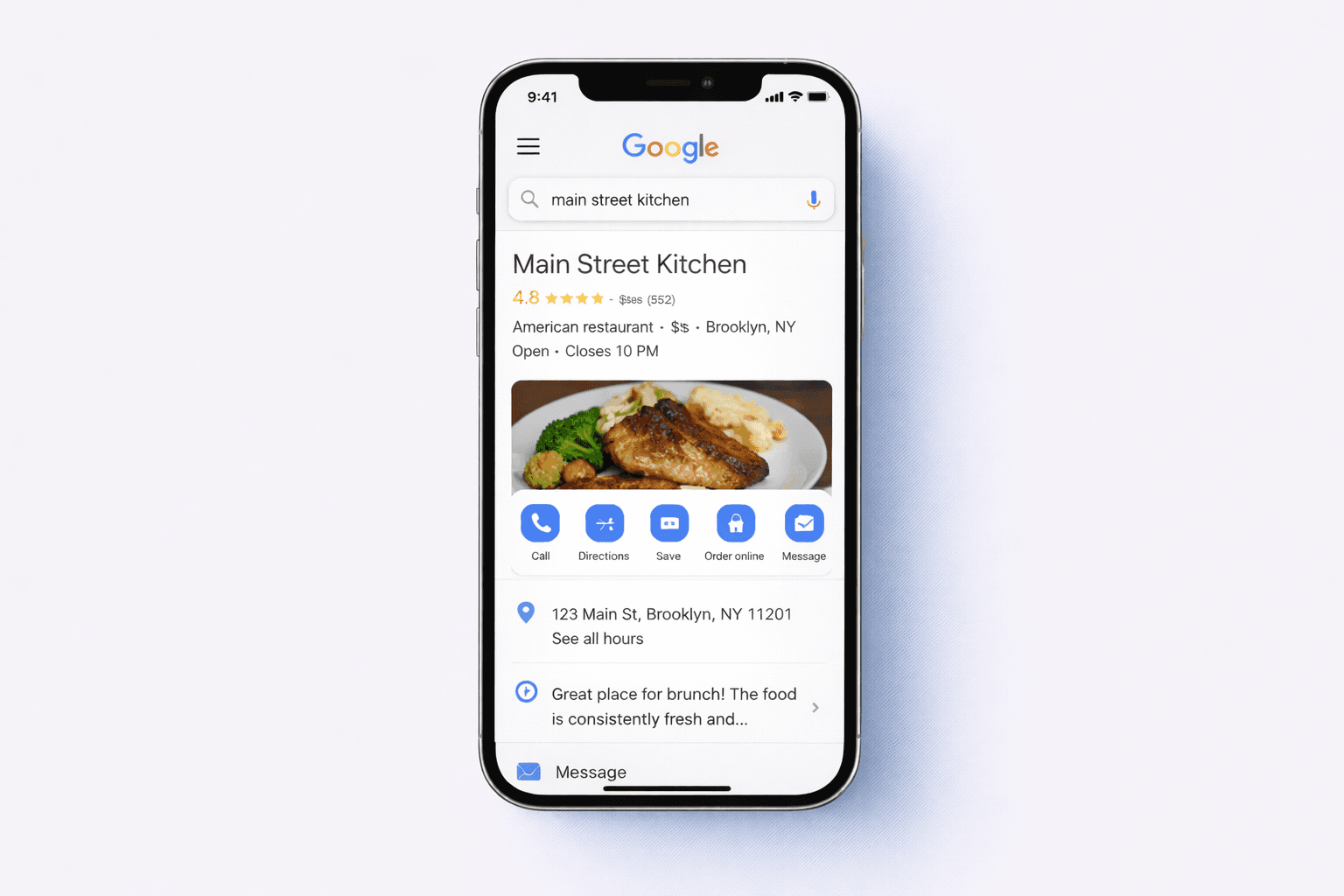
This is the single highest-impact thing you can do. When customers Google your restaurant name, your Google Business Profile is usually the first thing they see.
Update your profile with your direct ordering link as the website URL. Add an "Order Online" button that links to your storefront. Make sure your hours, address, and menu are current. Upload fresh photos regularly.
When someone searches "order from [your restaurant]," they should land on your ordering page — not a third-party app.
2. Update Every Social Media Bio
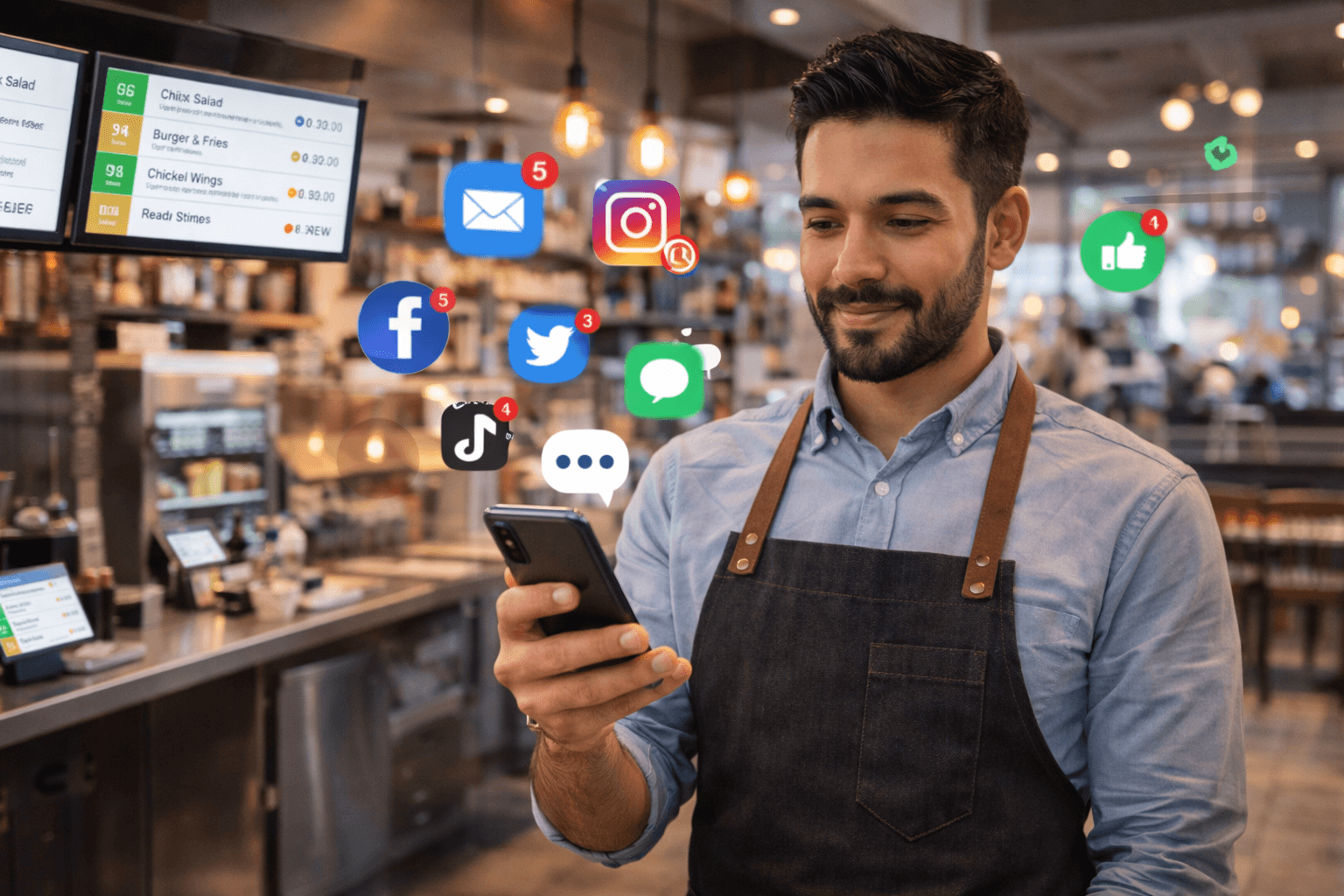
Your Instagram, Facebook, TikTok, and any other social profiles should link directly to your ordering page. Not your homepage. Not a Linktree with 12 options. Your ordering page.
When a follower taps your bio link, they should land on a menu where they can order immediately. Remove friction, get orders.
Gegsy Tip: Your Gegsy Storefront link works perfectly as a bio link since it's a mobile-friendly web page that loads instantly.
3. Put a Card in Every Takeout Bag
This is especially critical for orders from third-party platforms. Every DoorDash or Uber Eats order is an opportunity to convert that customer to a direct orderer.
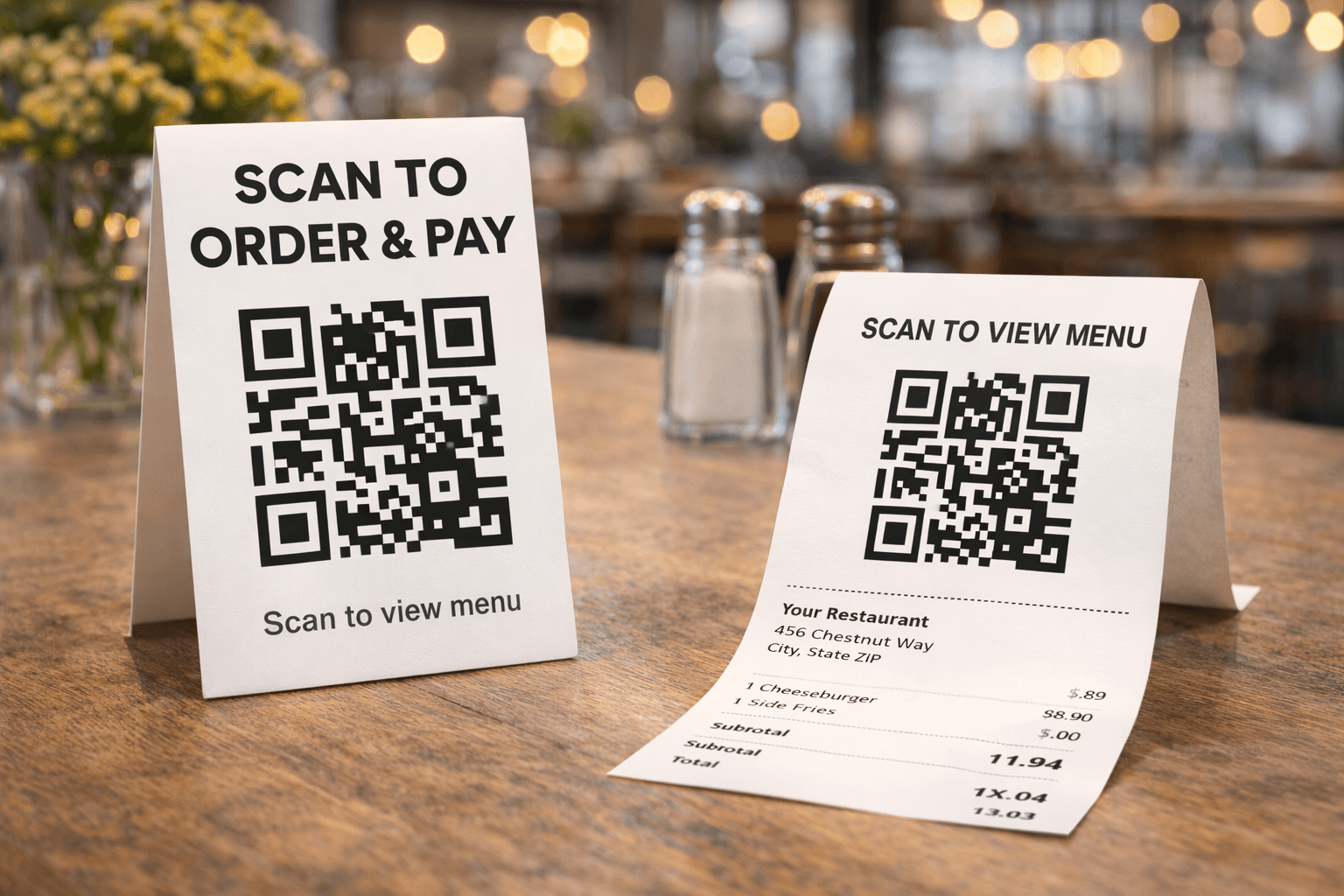
Print a simple card: "Love our food? Order directly from us next time — save on fees and earn rewards." Include a QR code linking to your storefront or app.
The cost per card is pennies. The lifetime value of converting one customer to direct ordering can be hundreds of dollars.
4. Send an Email or Text Announcement
If you have a customer list from Square Marketing, email campaigns, or any other tool — use it. Send a short, clear message:
"Big news — you can now order directly from us online. No third-party apps, no extra fees. Visit [link] or download our app to get started. Use code DIRECT10 for 10% off your first order."
You don't need a beautiful HTML email. A simple, clear message with a link and incentive is all it takes.
5. Create a First-Order Incentive
Give customers a reason to try your direct ordering channel. A promo code, a free item, or double loyalty points on their first order breaks the habit of defaulting to DoorDash.
Ideas that work:
- 10–15% off first order with a promo code
- Free side, drink, or dessert on first app order
- Double loyalty points for the first week
- Free delivery on first web order
Gegsy Tip: Create promo codes in your Gegsy dashboard. Set them to single-use per customer if you want to limit the discount to first orders only.
6. Post About It on Social Media (Regularly)
One announcement post isn't enough. Mention your direct ordering options regularly — weave it into your normal content:
- Posting a photo of a new dish? End with "Order it now from our app or website — link in bio."
- Sharing a customer photo? "Thanks for ordering direct! Have you tried our app yet?"
- Running a special? "This week only — 20% off through our app. Code: APPONLY"
You don't need to make every post about ordering. Just include a subtle mention or link frequently enough that followers know the option exists.
7. Train Your Staff
Your servers, cashiers, and counter staff talk to customers every day. Give them a simple script:
- "Did you know we have our own app? You can order ahead and skip the wait."
- "If you scan this QR code, you can order delivery directly from us — no DoorDash fees."
- "Download our app and you'll earn rewards on every order."
Put a QR code at the register and make it part of the checkout routine.
8. Add It to Your Voicemail and Hold Message
If customers call and you can't answer, your voicemail is a missed opportunity. Update it:
"Thanks for calling [restaurant name]. You can also order online anytime at [your storefront URL] or download our app from the App Store or Google Play. We'll get back to you as soon as possible."
If you have a hold message, add a similar prompt there.
9. Use In-Store Signage
Physical signage catches customers while they're already in your restaurant and thinking positively about your food.
Effective placements:
- A-frame or poster near the entrance: "Order ahead — download our app"
- Counter display with QR code: "Skip the line next time"
- Table tents: "Earn rewards on every order — scan to get started"
- Window cling: "Order pickup or delivery at [yourrestaurant].gegsy.app"
Keep the messaging simple. One clear action, one QR code, one benefit.
10. Cross-Promote Between App and Storefront
If a customer orders from your web storefront, they see a banner to download your mobile app. If a customer downloads your app, they might share the storefront link with a friend who isn't ready to download.
The two channels feed each other. Make sure both are active, both are promoted, and both link to each other.
Gegsy Tip: Your Gegsy web storefront automatically shows a "Get the [restaurant name] app" banner at the bottom of the page, prompting web visitors to download your app.
Consistency Is Key
The restaurants that succeed with direct ordering aren't the ones that do a big launch and forget about it. They're the ones that mention it consistently — in every bag, every social post, every customer interaction, every email.
Over time, customers develop the habit of ordering directly from you instead of going through a third party. That habit is worth thousands of dollars a year in saved commission fees.
👉 Set up your direct ordering channels today and start promoting them.
Ready to try Gegsy?
Sign up risk-free and launch your branded mobile app within 24 hours.
No setup fees. No long-term contracts.