How to Accept Catering Orders Online
(Without the Headaches)
Catering is one of the most profitable order types for a restaurant. A single catering order can be worth 5–10x a regular order. But the traditional way of handling catering — phone calls, emails, back-and-forth on quantities, manual invoicing — is a headache for both you and the customer.
The solution is accepting catering orders online, with the right controls in place so you don't get surprised by a 50-person order at 8 AM tomorrow.
Why Catering Should Be Online
Customers expect it. Office managers planning a team lunch, parents organizing a party, event coordinators booking vendors — they all want to browse options, select quantities, and place orders on their own time. Many catering prospects do their research outside of business hours. If they can't order from you at 9 PM on a Tuesday, they'll order from someone who lets them.
It reduces back-and-forth. When your catering menu, pricing, minimums, and advance notice requirements are clearly displayed online, customers can self-serve. No phone tag. No misunderstood quantities. No handwritten notes that get lost.
It increases order value. When customers can browse your full catering menu with photos and descriptions, they tend to add more items. Digital ordering encourages upsells in a way that phone ordering doesn't — customers see options they wouldn't have thought to ask about.
It's trackable. Online catering orders flow into your system like any other order. You can see them in your dashboard, track revenue, and plan prep based on real data.
What Controls You Need
Catering isn't like regular ordering — you can't treat a 200-item order the same as a single sandwich. You need controls in place:
Advance notice requirements. You should be able to set a minimum lead time for catering orders — for example, 24 hours, 48 hours, or even a week for very large orders. This gives your kitchen time to prep without being blindsided.
Order minimums. Set a minimum order amount for catering so you're not fielding $30 "catering" orders that aren't worth the extra prep. A $100 or $200 minimum is common.
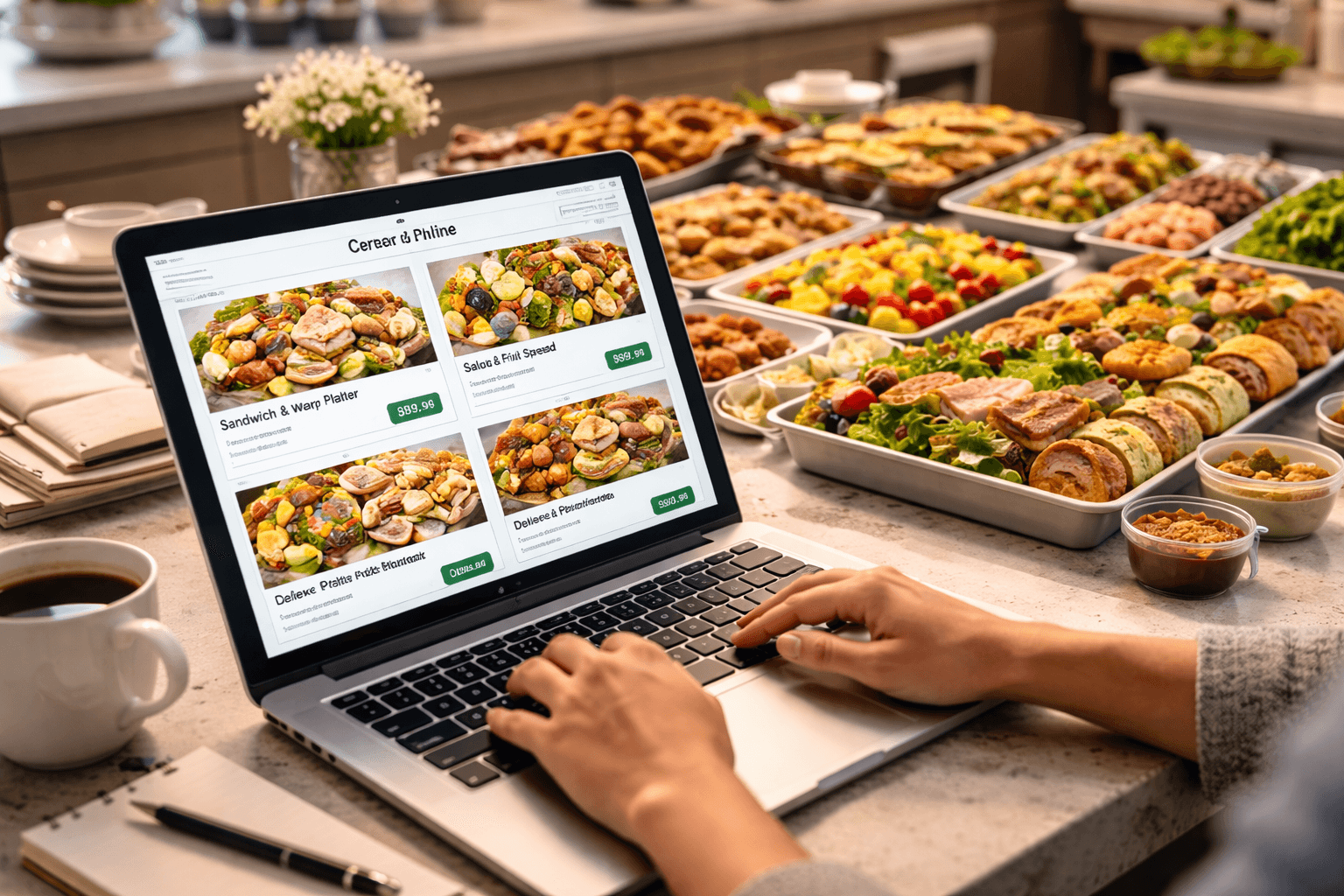
Separate catering menu. Your regular menu and your catering menu are often different. Catering might include platters, trays, boxed lunches, bulk beverages, and per-person packages that don't exist on your regular menu. You need the ability to display a distinct catering menu.
Special pricing. Catering pricing often differs from regular menu pricing — bulk discounts, per-person rates, or flat-rate packages. Your online system should support this.
How Gegsy Handles Catering
Gegsy has catering functionality built into both the mobile app and the web storefront. Here's how it works:
Separate catering menu. You can create a dedicated catering category in your Square catalog. Customers toggle between "Regular" and "Catering" at the top of your app or storefront to see the appropriate menu.
Advance notice. Set your required lead time in the Gegsy dashboard. If a customer tries to place a catering order with less notice than required, the system won't allow it. No surprises.
Order minimums. Set a minimum dollar amount for catering orders. Orders under the minimum can't be placed.
All order types supported. Catering orders can be pickup or delivery — delivery is handled through Nash and DoorDash Drive, just like regular orders.
Same dashboard. Catering orders appear in your Gegsy dashboard alongside regular orders. They also flow into Square like any other order, so your reporting and prep workflows stay consistent.
Gegsy Tip: Add photos and detailed descriptions to your catering items. Customers ordering catering for a group want to know exactly what they're getting — "feeds 10–12 people" is much more helpful than just a price.
How to Promote Your Catering
Once catering is set up, let people know it's available:
- Add "Catering" to your Google Business Profile description and services.
- Create a dedicated social media post — "Did you know we cater? Order online for your next office lunch, party, or event."
- Email your customer list — especially business customers who may order catering regularly.
- Add a "We Cater" section to your website with a link to your storefront's catering menu.
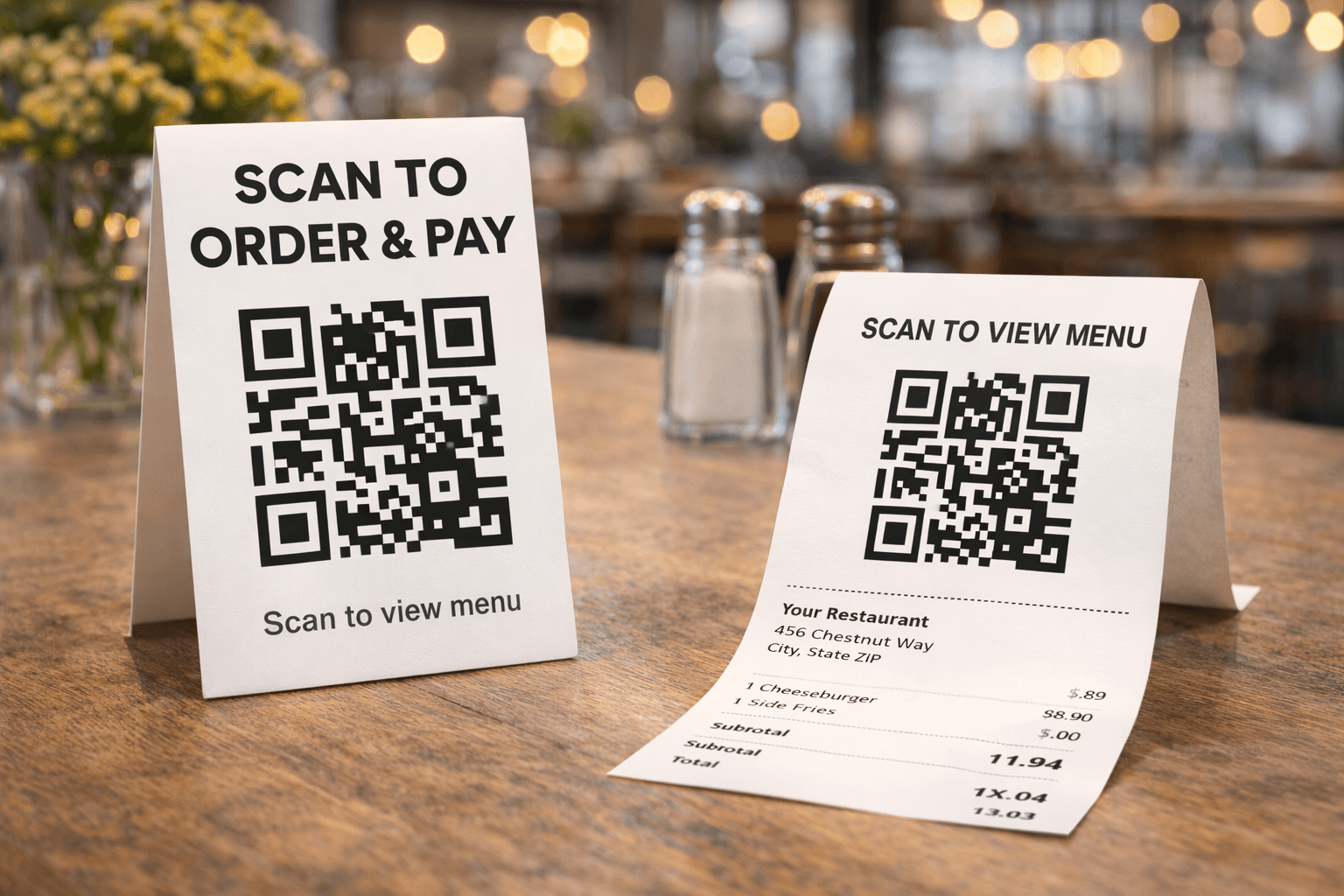
- Partner with local businesses — drop off a sample platter and a QR code linking to your catering menu.
- Target office parks and corporate campuses in your area with flyers or door-to-door visits.
Catering customers tend to be repeat customers with high order values. A single corporate account that orders weekly lunches can be worth more than hundreds of individual orders.
The Bottom Line
Catering is high-value, high-margin revenue that most restaurants underleverage because the ordering process is too manual. Putting it online — with proper controls for advance notice, minimums, and dedicated menus — makes it easy for customers to order and easy for you to fulfill.
Gegsy includes catering functionality with every plan, on both your mobile app and web storefront. The catering fee is based on your plan (2% on Starter, 1% on Pro).
👉 Set up catering ordering today — your catering menu syncs from Square.
Ready to try Gegsy?
Sign up risk-free and launch your branded mobile app within 24 hours.
No setup fees. No long-term contracts.